PDF to Excel: From Time-Consuming Chaos to Smart Automation
Convert your PDF Data to intelligent Excel automation
Schedule a free test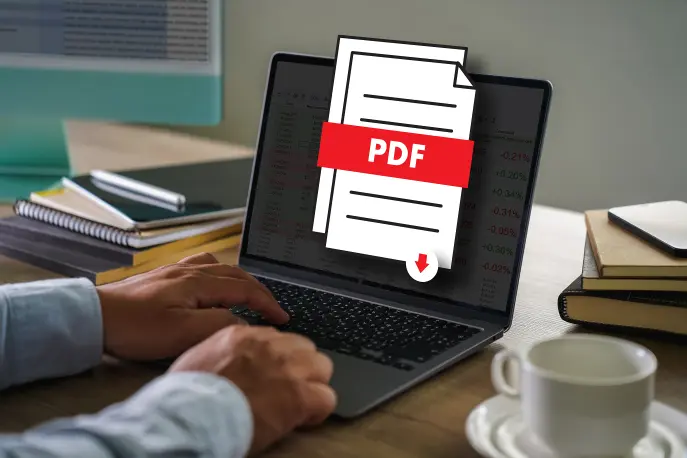
❌ Why PDF to Excel Extraction is So Frustrating
It’s Monday morning and your employees start with virtual stacks of PDFs. What follows is a familiar ritual of copying, pasting, and manually entering data into various applications including Excel. A process that not only costs a lot of time, but also carries a significant risk of errors.
⏰ Large-Scale Time Waste
European companies spend a significant portion of their financial work time on repetitive data entry. For teams, this often means hours per week of manual work.
❗ The Error Factor
A large percentage of spreadsheets contain errors. TransAlta’s million-dollar loss due to a copy-paste error illustrates how costly such mistakes can be.
📉 Competitive Disadvantage
While your team is still busy with manual processing, competitors are already making strategic decisions based on real-time insights.
🚫 Traditional Solutions Fail
Free online converters fail with complex tables, scanned documents, and bulk processing. Excel’s built-in function only works with simple layouts.
🔧 That Changes with the Right PDF Conversion Tool
EasyData’s proven PDF to Excel conversion implementation methodology ensures you’re operational within weeks
✅ The Better Approach to PDF to Excel Conversion
While other companies still struggle with manual processes, EasyData has developed a revolutionary approach to PDF to Excel conversion that transforms the most complex financial documents into perfectly structured Excel files. Our PDFCommunicator technology combines 25+ years of European expertise with advanced AI models specifically trained on European financial terminology and reporting standards.
Where free online converters fail with complex tables and scanned documents, EasyData excels. Through our financial data extraction platform, we have automatically downloaded, classified, and converted more than 10,000 annual reports into structured Excel analyses since 2015. This proven track record guarantees that even the most complex PDF documents, from handwritten notes to multi-layered reports, are flawlessly transformed into usable Excel formats while maintaining all data integrity and traceability.
Do you have special PDF data that you absolutely don’t want to process online? That’s also possible on your own servers, without Internet.
The Core of Our PDF to Excel Conversion
PDFCommunicator is our specialized desktop solution that delivers exactly the PDF to Excel transformation that businesses are looking for. Unlike free online converters that fail with complex documents, PDFCommunicator offers professional PDF conversion technology with 25+ years of expertise.
European AI Expertise for PDF to Excel
EasyData uses specialized European language models that perfectly understand complex financial terminology, regulations, and reporting standards. This means more accurate PDF to Excel conversion of European annual reports, compliance reports, and fiscal documents than international alternatives.
Source-Independent PDF Conversion
Where other PDF to Excel solutions fail with scanned documents or handwritten notes, PDFCommunicator excels. The technology works with:
- Native PDF files – direct extraction without quality loss
- Scanned documents – advanced OCR technology
- Handwritten financial notes – intelligent character recognition
- Complex multi-layered reports – automatic structure analysis
- Various international formats – worldwide compatibility
Financial Data to Excel Specialization
Through our financial data extraction platform, we automatically transformed 10,000+ annual reports into structured Excel analyses back in 2015. This demonstrates in practice that even the most complex financial PDF documents are perfectly converted into usable Excel documents, with the corresponding logic.
Real-Time PDF to Excel Results
Instead of waiting hours for conversion, PDFCommunicator delivers perfectly structured Excel files within seconds while maintaining all data integrity and traceability. Desktop installation means no cloud dependency and full control over sensitive documents.
We Prove Your PDF to Excel Conversion in a PoC
Avoid implementation risks in your automation projects by simply testing whether the offered solution fits your needs.
Implementation Risks
- Wrong assumptions about document quality and variation
- Underestimation of complexity of specific documents
- Integration challenges with existing systems
- Unrealistic expectations about accuracy
EasyData PoC Approach
- Proof of accuracy – Test with your documents within 4 weeks
- Risk limitation – Invest when results are proven
- Measurable ROI – Concrete time savings in your workflow
- Integration validation – Proof of compatibility with your systems
A PoC eliminates implementation risks and provides concrete results before you invest in a complete solution.
Prove the value with your own documents – invest only after validated results
🔧 Complete PDF to Excel Conversion Solutions
From simple PDF tables to complex financial reports – EasyData masters every form of PDF to Excel transformation
📊 PDF Tables to Excel
Automatic recognition and conversion of table structures from PDF documents to perfectly structured Excel sheets. Maintains cell formatting, formulas, and data types during PDF to Excel transformation.
💰 Financial PDF Conversion
Specialized extraction of financial data from annual reports, balance sheets, and P&L statements. Our financial data extraction technology automatically processes 10,000+ documents.
🧾 Price List PDF to Excel
Complex price lists with product names, article numbers, prices, and specifications automatically extracted into structured Excel tables. Maintains categories, hierarchies, and price formatting during PDF to Excel conversion.
📈 Report PDF Conversion
Complex business reports, research data, and presentations converted to analyzable Excel files. Maintains charts, tables, and numerical data during PDF to Excel conversion.
Why EasyData PDF to Excel Conversion is Superior
- 25+ years PDF conversion expertise – European pioneer since 1999
- Desktop solution – No cloud dependency, full data control
- Batch processing – Convert hundreds of PDFs to Excel simultaneously
- Intelligent structure recognition – Automatic detection of tables and data patterns
- European language models – Optimal for European PDF documents
- GDPR compliant – All data stays within European borders

🔍 Week 1-2: Process Analysis
Analysis of current workflows and identification of automation opportunities. We inventory your current PDF documents and Excel processes.
⚙️ Week 3-4: Development
Development and testing of customized extraction rules. Configuration of AI models for your specific document types.
🧪 Week 5-6: Testing
Extensive testing with your actual documents. Validation of accuracy and fine-tuning of extraction rules.
🚀 Week 7-8: Implementation
Go-live with team training and support. Monitoring performance and optimizing workflows for maximum efficiency.
💶 The ROI is Measurable and Convincing
Possible benefits of PDF conversion automation:
- Significant time savings in data entry*
- Reduction of input errors
- Potential cost savings*
- More efficient implementation of new processes
- Improved compliance and traceability
- Faster decision-making through real-time data

While others struggle with PDF processing,
you automate PDF to Excel workflows
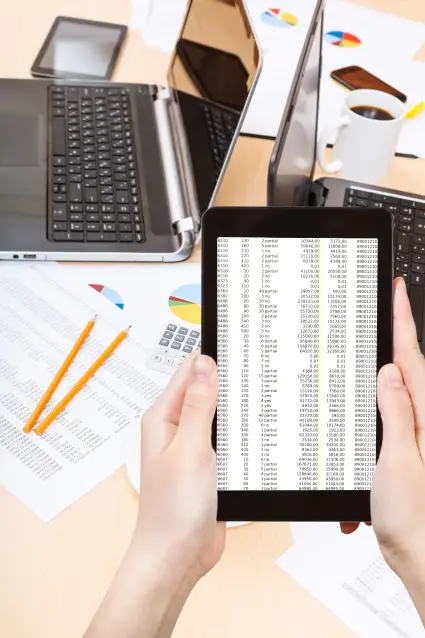
Scanned price lists to Excel tables in seconds
🏆 European PDF to Excel Conversion Expertise Guaranteed
25+ years PDF conversion experience – Pioneers in document automation since 1999
European data sovereignty – All PDF documents remain in Europe, full GDPR compliance
No cloud dependency – PDFCommunicator works locally on your desktop
Successful within weeks – From manual PDF processing to automated Excel output
Transparent pricing – No hidden costs for PDF to Excel conversion
Free assessment – Test our PDF conversion technology with your documents
Frequently Asked Questions About PDF to Excel Conversion
How accurate is EasyData’s automatic PDF to Excel conversion?
EasyData’s PDFCommunicator achieves an accuracy of 90%+ for PDF to Excel conversion according to internal measurements with 50+ European clients*. For financial documents such as invoices and annual reports, this percentage is often even higher due to our specialized European language models and 25+ years of expertise in PDF conversion technology.
*Based on internal measurements 2020-2024, individual results may vary per document type
Can PDFCommunicator also convert scanned PDF documents to Excel?
Yes, our PDF to Excel conversion technology excels precisely where free online converters fail. PDFCommunicator processes native PDF files, scanned documents, handwritten notes, and complex multi-layered reports. Through advanced OCR technology combined with AI, we can accurately convert even difficult-to-read documents to Excel.
How long does it take to implement PDF to Excel conversion automation?
EasyData uses an implementation methodology for PDF to Excel automation: Week 1-2 process analysis of current PDF workflows, Week 3-4 development of extraction rules for your document types, Week 5-6 testing with your PDF files, Week 7-8 go-live with team training for the new Excel processes. If it concerns a specific document, the entire implementation can naturally proceed faster. Inquire about the possibilities, and to provide you with clarity in advance, a PoC is possible.
Are my PDF documents safe with EasyData’s conversion process?
Yes, we have a secure Cloud environment. Our servers operate 100% within European borders with full GDPR compliance. Additionally, PDFCommunicator works as a desktop solution on your own computer – no cloud connection required. In that case, all PDF to Excel conversions are local, so sensitive documents do not leave your system.
What does professional PDF to Excel conversion from EasyData cost?
EasyData uses transparent pricing for PDF to Excel conversion without hidden costs. The investment varies depending on document volume, complexity, and desired level of automation. We offer a free assessment where we calculate realistic expectations for your specific PDF to Excel needs. Schedule a free PDF conversion assessment for a customized quote.
📝 About the Author

Disclaimer
All mentioned results are based on internal analysis of PDF automation projects, conducted between 2020-2024 with 50+ European clients. Individual performance varies per organizational factors such as process maturity, document complexity, and implementation scope. EasyData calculates realistic expectations specifically for your situation during the free process audit. We also offer you a PoC to experience yourself without investment which results apply to your organization. For detailed case studies and methodology, contact us.